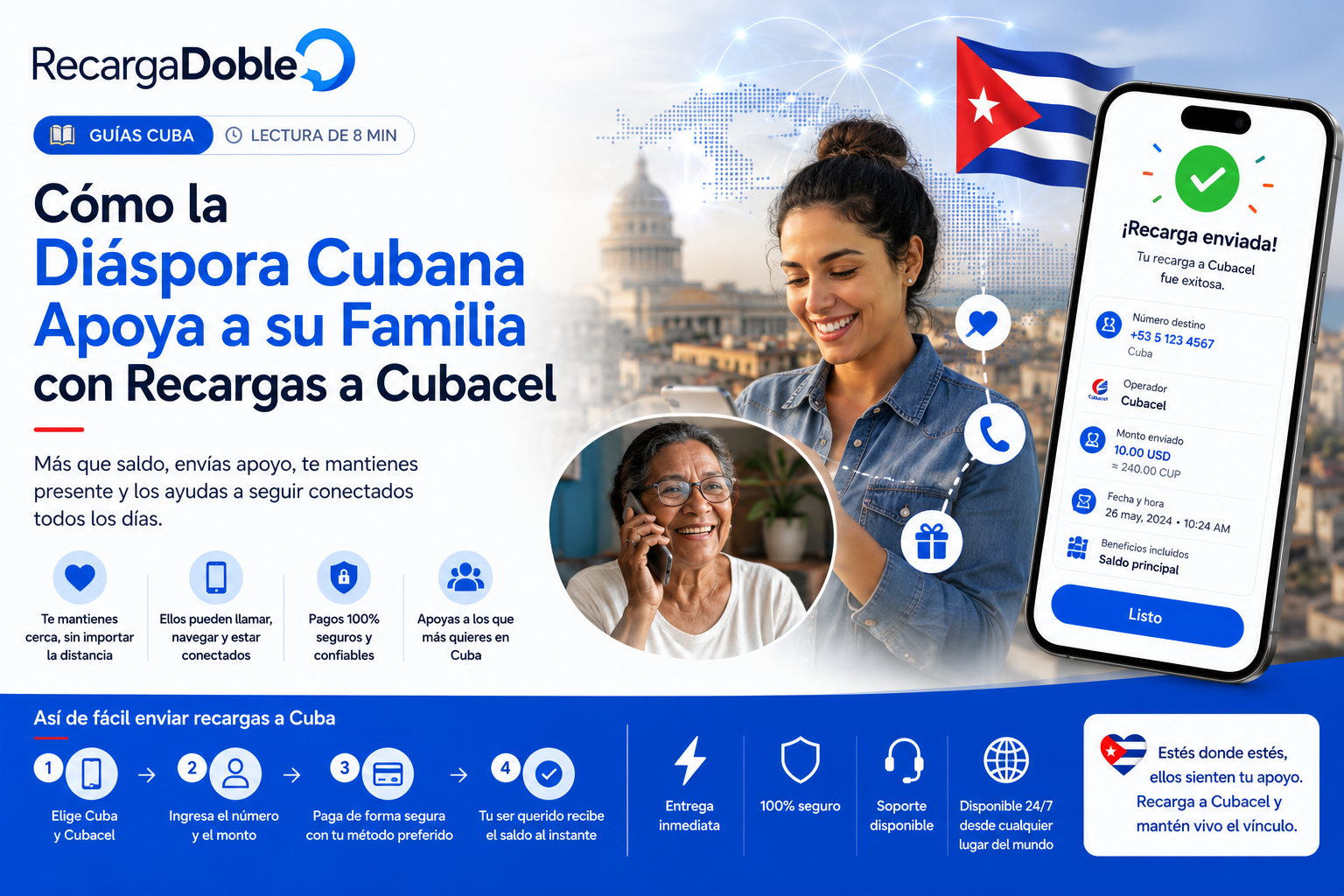
Como recargar Cubacel online
Guia paso a paso para enviar saldo, datos o promociones Cubacel online con claridad sobre numero, producto y entrega.
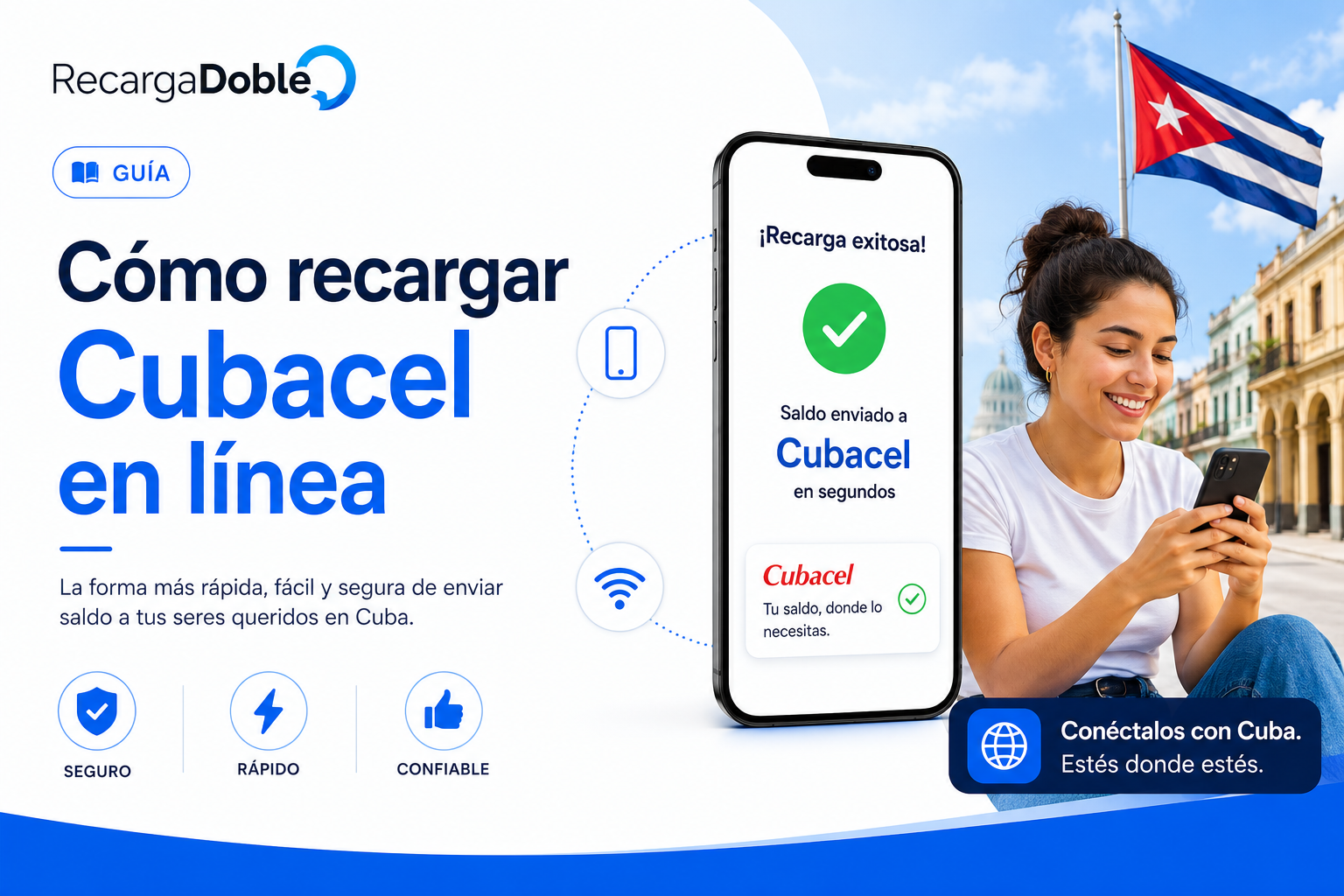
Confirma la linea Cubacel
Empieza confirmando el numero Cubacel actual del destinatario. Si el numero viene de un contacto viejo, pide que lo reenvie. Esto importa mas cuando varios familiares coordinan ayuda desde distintos paises.
Escribe el numero con cuidado y revisa el destino mostrado por la plataforma. Si puedes elegir operador, selecciona Cubacel solo despues de verificar la linea.
Elige el producto correcto
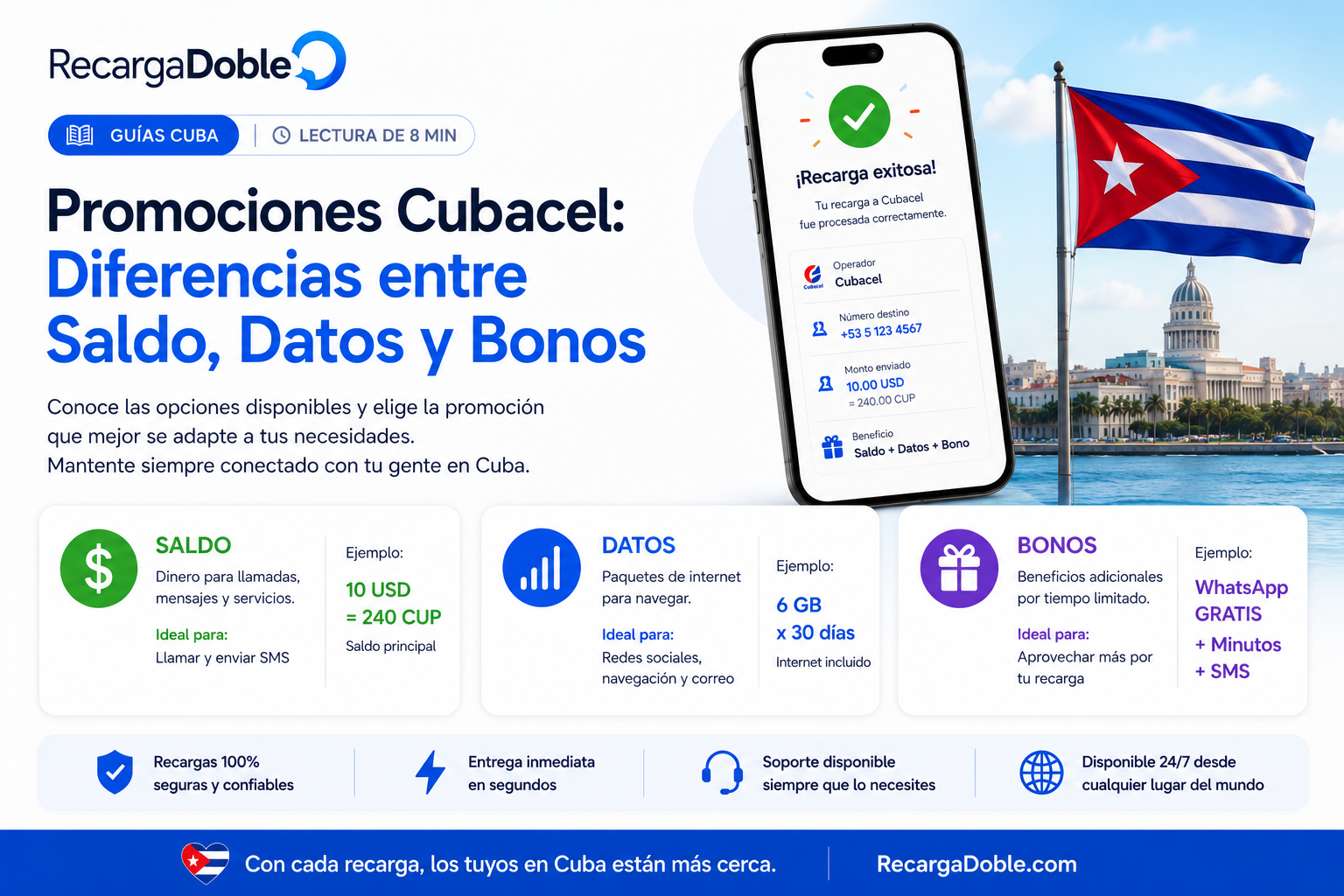
Los productos Cubacel pueden ser saldo regular, paquetes de datos o promociones. El saldo regular da flexibilidad. Los datos sirven cuando internet es prioridad. Las promociones pueden dar mas valor, pero tienen reglas de bono y vigencia.
No elijas solo por el valor mas grande. Pregunta que necesita esta semana: mensajeria, renovacion de plan, llamadas o datos. La mejor recarga es la que realmente se puede usar.
Revisa y paga
Antes de pagar, compara numero, pais, operador, producto y monto total. Si tu banco pide verificacion, completala en la misma sesion para que la recarga no quede abandonada.
Despues del pago, la entrega se enruta a la red del operador. Guarda el recibo y pide al destinatario revisar saldo si no llega una notificacion.
Cuando hay promociones activas
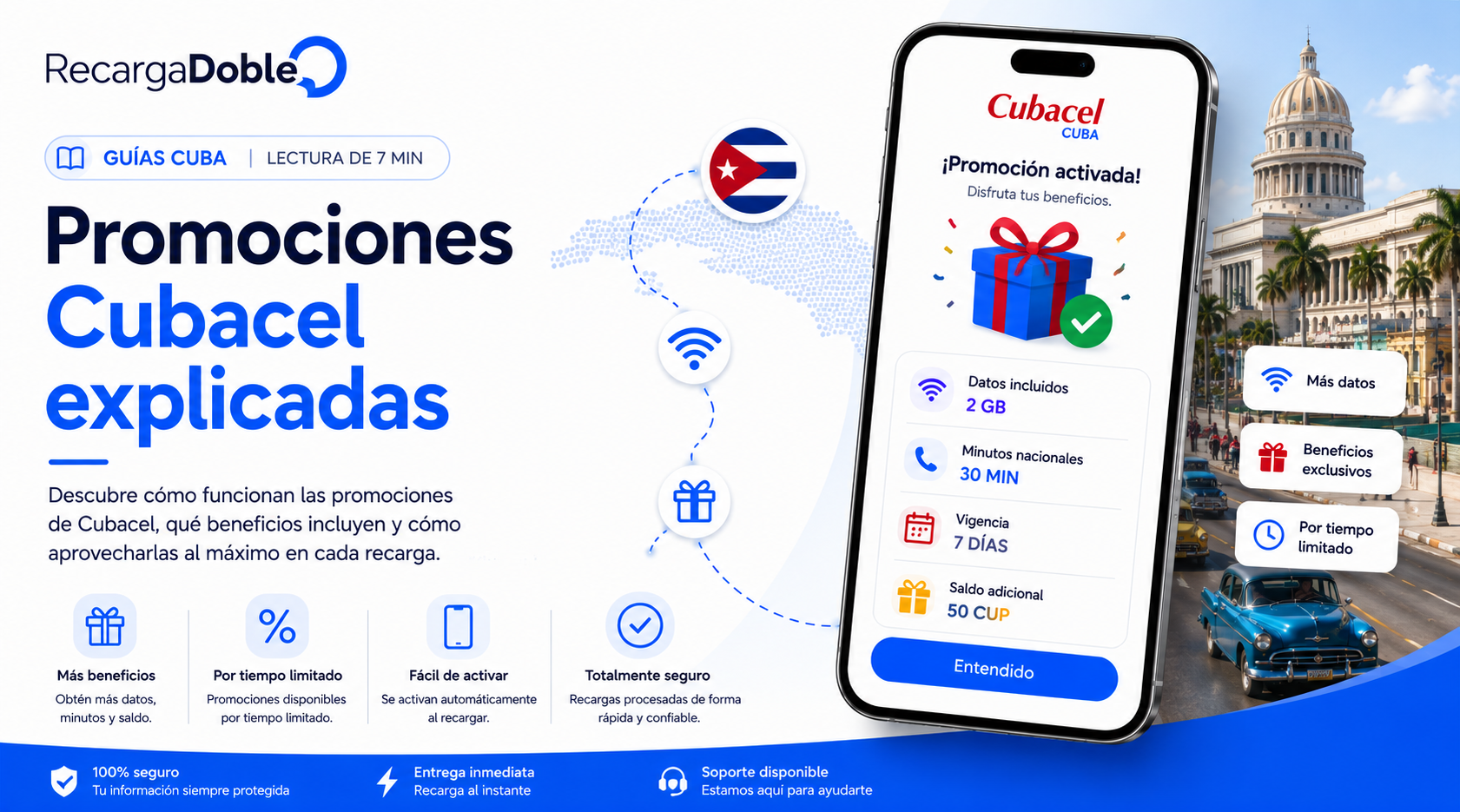
Las promociones Cubacel pueden tener buen valor, pero el momento importa. Algunas ofertas solo estan disponibles durante una ventana y el bono recibido tambien puede vencer.
Si el destinatario espera una promocion especifica, confirma los detalles en checkout. Si no aparece, usa un producto estandar o espera a que la oferta vuelva.
Checklist final antes de enviar
Confirma el numero del destinatario desde una fuente actual antes de pagar. Un contacto guardado puede estar viejo, tener caracteres extra o pertenecer a una SIM que ya no usa.
Revisa pais y operador juntos. Un numero correcto con operador incorrecto puede fallar o enviarse mal, sobre todo cuando la familia cambia de linea.
Elige el producto segun la necesidad real: saldo flexible para manejar el plan, datos cuando la prioridad es internet y promociones solo cuando las reglas estan claras.
Mantén una sola sesion de pago abierta y espera el estado final antes de reintentar. Varios intentos pueden crear pagos duplicados o estados pendientes confusos.
Guarda el recibo hasta que el destinatario confirme el saldo o paquete. La referencia de transaccion acelera soporte si el operador tarda mas de lo normal.
Siguientes pasos útiles
Preguntas del artículo
Puedo enviar recarga Cubacel desde fuera de Cuba?
Si, cuando la plataforma soporta Cubacel y acepta tu metodo de pago.
Las promociones Cubacel siempre estan disponibles?
No. Dependen de la disponibilidad actual del operador y proveedores.
Que hago si Cubacel no envia SMS?
Pide al destinatario revisar saldo o datos directamente. Guarda el recibo por si soporte necesita la referencia.
Acerca del autor

Ingeniero informático y fundador de RecargaDoble.com, escribe sobre recargas internacionales, operadores móviles, telecomunicaciones y tecnología, combinando su experiencia técnica con un profundo conocimiento del sector.
Guías relacionadas